Email deliverability: a practical guide to reaching the inbox
What email deliverability is, the signals Gmail and Outlook use to pick inbox or spam, and a checklist of settings that keep marketing email inboxed.
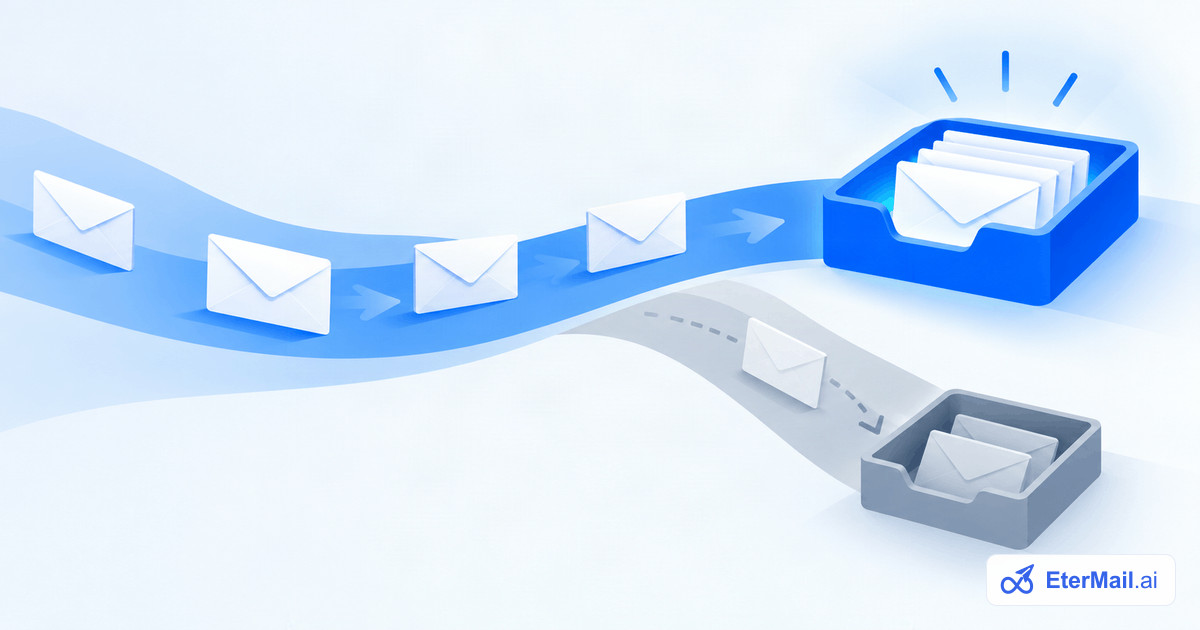
Deliverability is the share of your email that lands in the inbox rather than the spam folder or nowhere at all. It is different from the "delivered" rate your email tool shows: an email can be accepted by Gmail (delivered) and still go straight to spam. Opens, clicks and revenue all depend on getting this part right first.
How mailbox providers decide
Gmail, Outlook and Yahoo don't publish their formulas, but the signals are well understood. They fall into three groups.
- Who you are. Is the email authenticated, so the provider can be sure it really came from your domain? Does that domain have a history of sending email people want?
- How people react. Do recipients open, reply and move your email out of spam, or do they delete it unread and press "Report spam"? Complaints weigh far more than anything else.
- What you send and to whom. Are you sending to addresses that exist? Is your volume steady or does it jump overnight? Does the content look like the email that the same people complained about last week?
Authentication gets you through the door. Reputation, built from how people react over time, decides where you land.
Step 1: authenticate your domain
Since 2024, Gmail and Yahoo require bulk senders to authenticate. Three DNS records do the work:
- SPF lists the servers allowed to send for your domain. Keep a single SPF record; two of them break both.
- DKIM signs every email with a key published in your DNS, so changes in transit can be detected. Your email platform gives you the record to add.
- DMARC tells providers what to do when SPF or DKIM fail, and sends you reports. Start with
p=noneto watch, then move toquarantineonce everything passes.
Send from your own domain, not a free address like @gmail.com, and make sure the domain in the From address lines up with the domain DKIM signs for. We cover the exact rules in Gmail and Yahoo sender requirements.
Step 2: make unsubscribing effortless
It sounds backwards, but an easy unsubscribe protects your deliverability. Someone who can't find the link presses "Report spam" instead, and a complaint costs you far more than a lost subscriber. Marketing email now needs a one-click unsubscribe header that works from the mail app itself, plus a visible link in the footer. Honour it immediately, including for emails already scheduled.
Keep your spam complaint rate below 0.1% and never let it reach 0.3%, the level at which Gmail starts filtering bulk senders.
Step 3: only email people who asked
The fastest way to wreck a domain is to email a purchased or scraped list. Many of those addresses are dead (high bounces), some are spam traps, and the rest never asked to hear from you (complaints). Instead:
- Collect subscribers through forms and checkouts that clearly ask for consent, and keep a record of when and how each person agreed.
- Remove hard bounces immediately and never email them again.
- Stop emailing people who haven't opened or clicked in six months or so, or send them one re-engagement email first.
Step 4: send steadily
Providers trust patterns they recognise. A new domain that sends 50,000 emails on day one looks like a spammer; one that grows over a few weeks looks like a business. Warm up new domains gradually, keep your volume roughly consistent from week to week, and send your biggest campaigns to your most engaged subscribers first.
Keep cold outreach on a separate domain from your marketing and transactional email. Cold email carries more risk of complaints, and you don't want that risk to land on the domain your customers' order confirmations come from. See cold email deliverability for the outreach side.
Step 5: write email people want
Content matters less than reputation, but it still counts. Send email that is relevant to the person receiving it: segment by what people bought or did, rather than sending everything to everyone. Keep a sensible balance of text and images, avoid link shorteners, and make the sender name something people recognise.
A deliverability checklist
- SPF, DKIM and DMARC set up and passing
- Sending from your own domain, aligned with DKIM
- One-click unsubscribe in every marketing email, honoured at once
- Spam complaints below 0.1%, bounces below 2%
- Only opted-in subscribers, with consent recorded
- Inactive subscribers re-engaged or removed
- Steady volume; new domains warmed up gradually
- Cold outreach on a separate domain
How EterMail helps
EterMail checks your sending domain's SPF, DKIM and DMARC before you can send, adds one-click unsubscribe to every marketing email, rechecks consent at send time, and records where each subscriber's consent came from. If bounces or complaints spike, sending pauses and you are told why. Outreach domains are kept separate and watched on major blacklists. See how it works.