Lifecycle email for SaaS: onboarding, conversion and win-back with identify and track
How a SaaS product or app can send the right email at the right moment by sending two kinds of data — who the user is, and what they did.
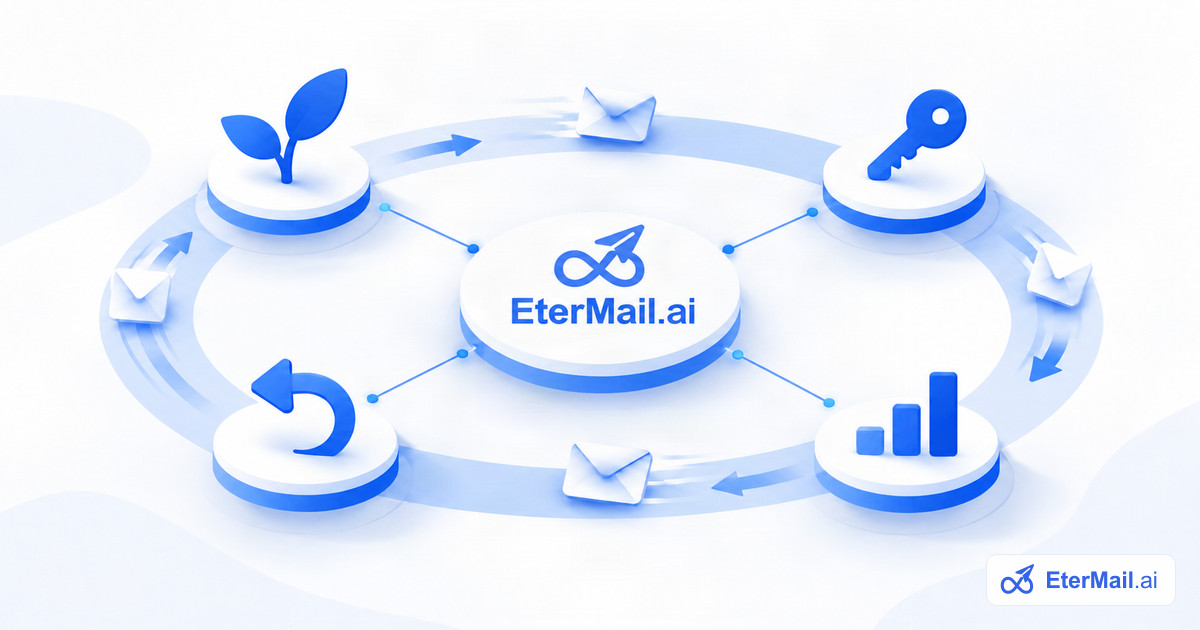
For a SaaS product, the most valuable emails are not newsletters. They are the messages that arrive at a specific moment in a user's life with the product: right after sign-up, when a trial is about to end, when a key feature goes unused, or when someone stops logging in. To send those, your email tool needs two kinds of data from your product.
Two calls: identify and track
`identify` tells EterMail who a user is: their ID in your system, email, name and any attributes you care about, such as plan or company size. Call it when someone signs up and whenever their profile changes.
`track` tells EterMail what a user did: Trial Started, Project Created, Subscription Started, Logged In. Call it from your server when the event happens.
POST /api/v1/track
Authorization: Bearer sk_…

{
  "userId": "u_1024",
  "event": "Trial Started",
  "properties": { "plan": "growth" },
  "messageId": "9a1e…"
}
Both calls follow the Segment spec, so teams already using Segment-style event names can keep them. Keys are server-side only and every request carries a messageId, so retries are safe and never create duplicates. Full details are in the API documentation.
Consent comes with the user
Lifecycle email is still marketing email when it promotes features or upgrades. When you identify a user who opted in, include the evidence: which form, which checkbox, when. EterMail stores it with the contact. If someone unsubscribes, the API cannot quietly subscribe them again.
Flows that are worth setting up first
Onboarding
Trigger: Trial Started or sign-up. Send a welcome right away, then one email a few days later that points to the single action most correlated with retention in your product. Exit the flow when the user completes that action, so nobody is told to do something they already did.
Trial conversion
Trigger: a custom event your product sends a few days before the trial ends. Remind users what they would lose and how to keep it. Exit on Subscription Started.
Feature adoption
Trigger: an event that marks a milestone, such as Project Created. Follow up with the next step that unlocks more value.
Win-back
Trigger: no activity for a number of days. EterMail's win-back template enters contacts who haven't triggered a chosen event within that window, such as Logged In. Keep it short and honest: what changed, and one reason to come back.
Segments do the targeting
Every attribute you send with identify, and every event you send with track, can be used in segments: users on a given plan, users who created a project in the last 30 days, users who never invited a teammate. Campaigns, such as product updates, can go to exactly the people they are relevant to.
Measure clicks and conversions, not opens
Apple Mail Privacy Protection makes open rates unreliable. Judge lifecycle emails by clicks and by the event you actually care about, such as Subscription Started, happening after the email.
Getting started
- Create a project for your product and generate a server-side (
sk_) key in project settings. - Call
identifyon sign-up, with consent evidence where the user opted in. - Call
trackfor the three or four events that matter most. - Create a flow from a template or from a custom event, review the emails, approve, and switch it on.