Shopify abandoned checkout emails: recover orders without double-sending
How Shopify abandoned checkout emails work, why customers get duplicate reminders, and how to run a recovery flow that stops the moment they order.
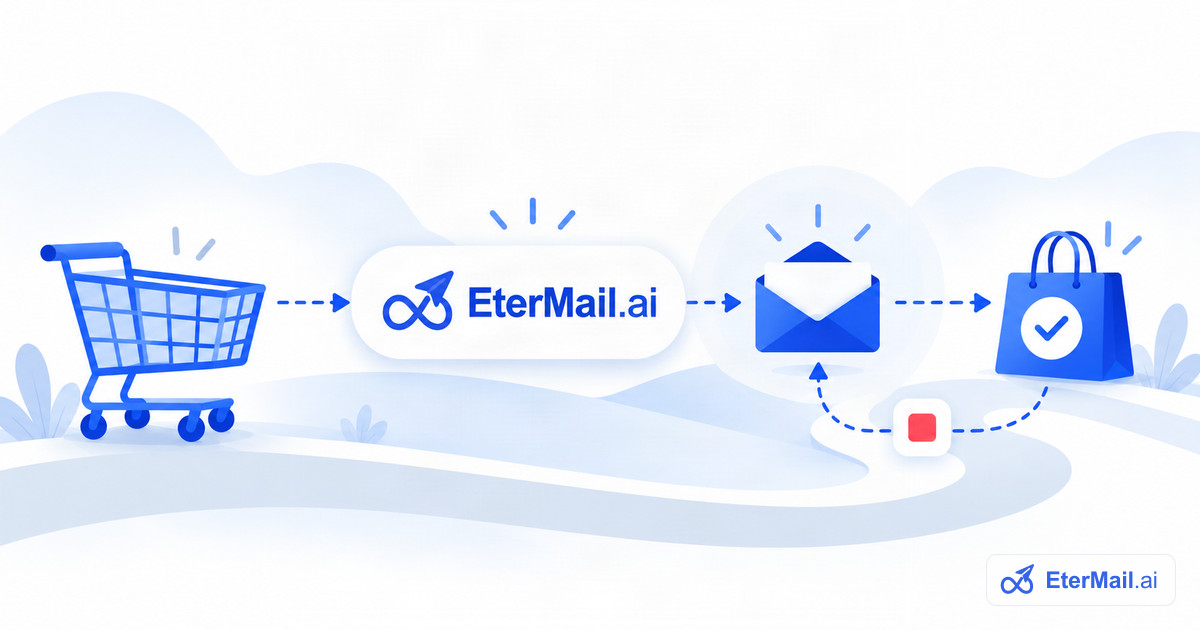
An abandoned checkout is a shopper who entered their email at checkout and then left without paying. They have already chosen products and started paying, which makes them some of the warmest leads a store has. A short, well-timed reminder that takes them straight back to their own checkout is one of the most effective emails an online store can send.
What Shopify already does
Shopify can send its own abandoned checkout email from Settings → Notifications. It is a reasonable default, but it is a single, fixed message with limited control over timing, content and who receives it.
If you add a second tool on top without switching Shopify's email off, customers receive two reminders for the same cart. That looks careless and invites spam complaints. Shopify's API does not tell other apps whether its own reminder is enabled, so the only safe approach is to turn one of them off on purpose.
A recovery flow that does not double-send
In EterMail the abandoned checkout flow works like this:
- Read open checkouts from Shopify. Unfinished checkouts from the last 48 hours sync every 15 minutes, along with the shopper's own recovery link, products and total.
- First reminder after 1 hour. The button takes the shopper back to their own checkout, with their cart intact.
- Final reminder after 24 hours. It goes only to shoppers who still haven't ordered.
- Stop on order. As soon as an order is placed, the flow ends. That includes orders that reach EterMail a little later than the checkout itself, so a customer who just paid never receives a reminder.
Before the flow can be approved, EterMail asks you to turn off Shopify's built-in reminder and confirm it. If you withdraw that confirmation later, the flow pauses immediately.
Who should receive it
Only customers who have agreed to receive marketing email. A reminder about a cart is promotional: it asks the shopper to complete a purchase, and in many countries that requires consent. EterMail reads each customer's email marketing status from Shopify, keeps a record of when and where consent was given, and checks it again at the moment of sending.
Guest checkouts where the shopper never entered an email cannot be recovered by email at all. That is a limit of the channel, not of any tool.
Writing the reminder
- Lead with the cart. Show the product the shopper chose, by name and image.
- One clear button back to their checkout.
- Answer the likely hesitation: shipping cost, delivery time, returns or sizing.
- Keep discounts for the final reminder, if at all. Offering a discount in the first email teaches shoppers to abandon carts on purpose.
- Sound like your brand. Both reminders start from templates styled with your brand's logo and colors, and you can edit every word before approving.
Measuring results
Opens are no longer a reliable signal, because Apple Mail Privacy Protection loads images automatically. Look at clicks and at orders placed within a few days of a click instead. For each email in the flow, EterMail shows sends, clicks, and the orders and revenue that followed within 7 days of a click.
Getting started
- Connect your store with a read-only app. The Shopify setup guide takes about 10 minutes.
- Create the abandoned checkout flow from its template.
- Turn off Shopify's own reminder under Settings → Notifications, then tick the confirmation in EterMail.
- Review both emails, approve, and switch the flow on.