Shopify email templates: 7 emails every store should send (with examples)
The seven automated emails that earn the most for Shopify stores, with when to send each one, what to put in it, and example subject lines you can adapt.
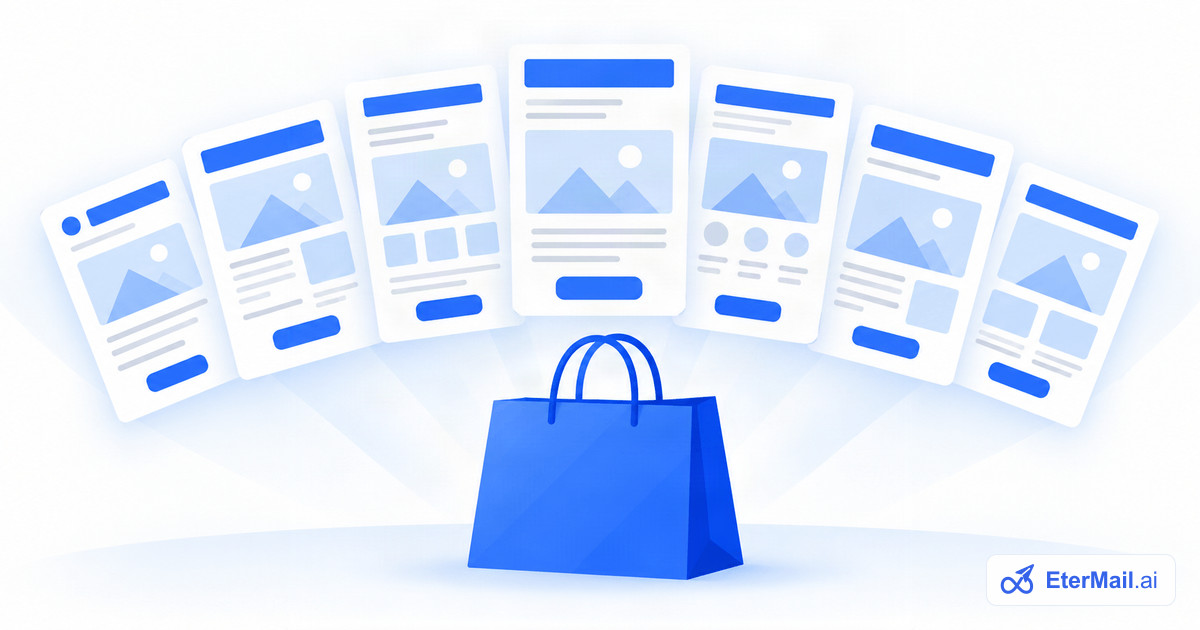
Most of the revenue email brings a Shopify store comes from a handful of automated emails that run in the background, not from big campaigns. Here are the seven worth setting up first, in the order we recommend, with timing, structure and example subject lines for each.
A note before you start: these are marketing emails, so they should only go to customers who accepted marketing. Order confirmations and shipping updates are transactional and stay with Shopify.
1. Welcome email
When: right after someone subscribes. Goal: say thank you, set expectations, and give one good reason to shop now.
Structure:
- A short thank-you in your brand's voice.
- What they'll get from you, and how often.
- Your best sellers or a starter collection, with images and prices.
- A first-order offer, if you use one.
Example subject lines:
- Welcome to [Brand], here's where to start
- You're in. Our three most-loved pieces
2. Brand story
When: about three days after the welcome email. Goal: give new subscribers a reason to choose you over a cheaper lookalike.
Tell them who makes the products, why, and what makes them different. One strong photo, a few short paragraphs and a single button back to the shop are enough.
Example subject lines:
- Why we started [Brand]
- The 40 hours behind every [product]
3. Browse abandonment
When: a few hours after someone views a product without adding it to their cart or checking out. Goal: a gentle reminder, not a hard sell.
Show the product they looked at with its image and price, add one or two related products, and keep the copy short. Skip it for anyone who has started checkout since, because the next email covers them.
Example subject lines:
- Still thinking about the [product]?
- A closer look at what caught your eye
4. Abandoned checkout, first reminder
When: one hour after a checkout is left unpaid. Goal: get them back while they still remember.
Show exactly what's in their cart, with images and prices, and one button that opens their own checkout with the cart still filled in. Answer the usual hesitation briefly: shipping times, returns, sizing.
Example subject lines:
- You left something in your cart
- Your [product] is still waiting
5. Abandoned checkout, last reminder
When: about 24 hours after the checkout was left. Goal: a final, polite nudge.
This is the email where a small incentive (free shipping, a modest discount) belongs, if you use one at all. Many stores keep the first reminder offer-free and only add one here. Both reminders should stop the moment an order comes in. Read more in Shopify abandoned checkout emails.
Example subject lines:
- Last call on your cart
- Free shipping if you finish today
6. Post-purchase follow-up
When: about a week after an order. Goal: turn a first order into a second one.
By now the order has usually arrived. Thank them, then suggest products that go well with what they bought. Avoid suggesting the same item again unless it's something people restock.
Example subject lines:
- How are you finding your [product]?
- Pairs well with your last order
7. Win-back
When: when a customer hasn't ordered in about 90 days, with a final email a week later. Goal: bring lapsed customers back before they forget you.
Remind them what they liked, show what's new since their last visit, and in the second email make your best offer. If they still don't come back, stop emailing them for a while: it protects your deliverability.
Example subject lines:
- It's been a while, here's what's new
- We saved something for you
Writing tips that apply to all seven
- One email, one job. A single main button beats five competing links.
- Real products. Pull images, names and prices from your catalog rather than generic banners.
- Sound like you. The same voice as your website and packaging.
- Mobile first. Most of these emails are read on phones: short paragraphs, big buttons.
- Test subject lines. Small changes in subject lines move open rates more than anything in the body.
Setting these up in EterMail
EterMail has all seven ready as flows. Connect your Shopify store with read-only access, and the AI drafts each email from your brand profile and real products. Review the copy, approve each flow once, and it runs on its own, stopping when customers do what you hoped. See Shopify email marketing.