Email list cleaning: how to cut your bounce rate and keep your list healthy
How to clean an email list: hard vs soft bounces, role addresses, spam traps, inactive subscribers, a sunset policy, re-engagement and double opt-in.
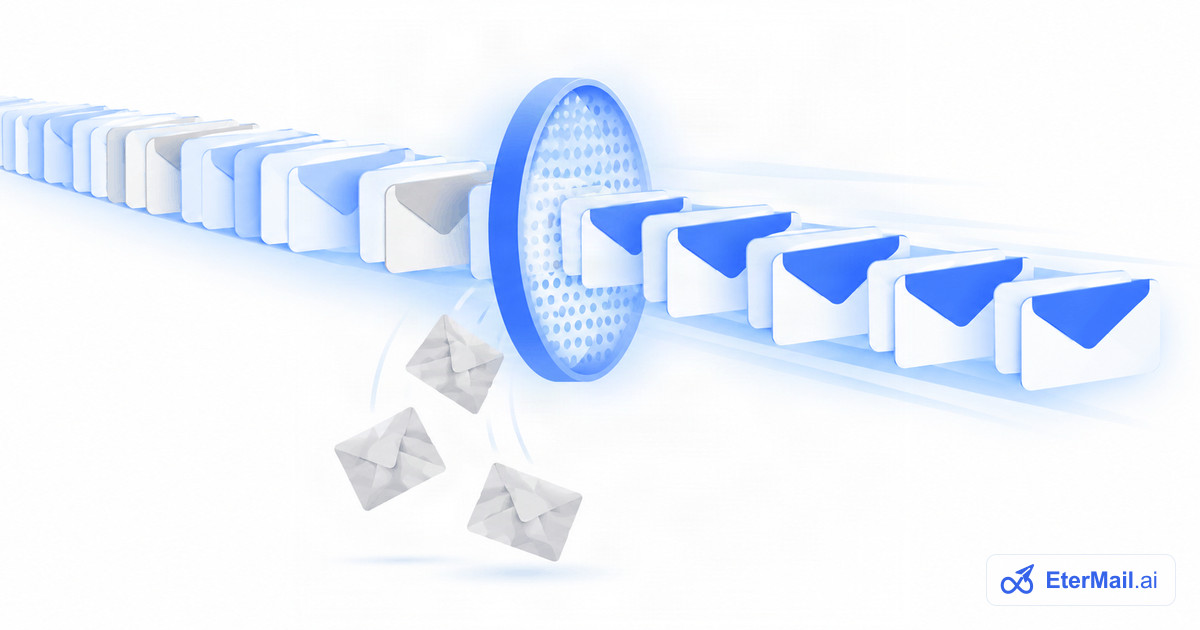
Every email list decays. People change jobs, abandon old inboxes, mistype their address or simply stop caring. If you keep mailing those addresses, your bounce rate and complaint rate climb, and mailbox providers start treating all of your mail with suspicion, including the email your engaged customers want.
Email list cleaning is the routine that prevents this. This guide covers what to remove and when: bounces, role addresses, spam traps and inactive subscribers. It also covers how to set up a sunset policy with a re-engagement step, and whether double opt-in is worth it.
Why list cleaning matters
Mailbox providers decide where your email lands largely from how recipients react and how clean your sending looks. The big three say so directly, as of October 2026:
- Google tells senders to "automatically unsubscribe recipients who have multiple bounced messages" and to "consider unsubscribing recipients who don't open or read your messages". It also asks bulk senders to keep their user-reported spam rate below 0.1% and never reach 0.3%.
- Yahoo tells senders to "monitor hard and soft bounces as well as inactive recipients" and to "remove invalid recipients from your list promptly".
- Microsoft recommends list hygiene for high-volume senders sending to Outlook.com, including removing invalid addresses regularly.
See our Gmail, Yahoo and Outlook sender requirements for the full list. A clean list also costs less: most email platforms charge by contacts or by emails sent, so mailing dead addresses is money spent on nothing.
What is a good email bounce rate?
Your bounce rate is the share of emails that couldn't be delivered: bounced emails ÷ emails sent × 100. If you send 10,000 emails and 150 bounce, your bounce rate is 1.5%.
None of Gmail, Yahoo or Microsoft publish a bounce-rate threshold. Most email platforms watch it and may pause or review an account when bounces spike, and each sets its own limits. A practical way to think about it:
- On an opt-in marketing list, bounces should be rare. If a campaign bounces noticeably more than your usual level, stop and find out why before the next send.
- A sudden spike usually means an old segment, a bad import or a broken signup form, not a gradual decay.
- Watch it per campaign and per source, not just as one account average. A single bad import can hide inside a healthy average.
Hard bounces vs soft bounces
| Hard bounce | Soft bounce | |
|---|---|---|
| What it means | Permanent failure | Temporary failure |
| Typical causes | Address or domain doesn't exist; server permanently blocks you | Mailbox full, server down, message too large, temporary rate limit |
| What to do | Remove at once, never mail again | Retry; suppress if it keeps happening |
Hard bounces go on your suppression list after the first one. There's nothing to gain from retrying, and repeated hard bounces are a clear signal of a poorly kept list.
Soft bounces deserve a few more chances, but not forever. As one example of how platforms handle this, Mailchimp's help centre (October 2026) says it converts an address to a hard bounce after 7 soft bounces for contacts with no subscriber activity, or 15 for contacts who have engaged before. You don't need those exact numbers, but you do need a rule. An address that soft-bounces across several campaigns in a row is effectively dead.
Read the bounce reason, too. A bounce that mentions authentication, policy or spam (often a 5.7.x code) isn't a bad address. It's a problem with your setup or reputation, and removing the contact won't fix it. Our guide to why emails go to spam covers those.
What to remove from your list
Invalid and mistyped addresses
Addresses with obvious syntax errors (name@gmail, name@@shop.com) and common domain typos (gmial.com, hotmial.com, yahooo.com) should be fixed at sign-up or removed. Typos are best caught at the form: double opt-in stops them from ever reaching your list (more below).
Role addresses
Role addresses such as info@, sales@, support@, admin@ or noreply@ belong to a function, not a person. They are often shared by several people or routed to a ticket queue, so one person's "this is spam" click can come from someone who never signed up.
You don't have to delete every role address. If orders@ at a wholesale customer really did opt in, keep it. But don't add them from scraped or imported data, and watch them closely for complaints.
Spam traps
Spam traps are addresses that mailbox providers and anti-spam organisations use to catch senders with poor list practices. There are three broad kinds:
- Pristine traps were never used by a real person. They only end up on lists through scraping or bought data.
- Recycled traps were real addresses, abandoned long ago and later reactivated as traps.
- Typo traps sit on misspelled domains, such as a common misspelling of a big webmail domain.
You can't see a spam trap in your list. Traps don't open, click or complain. The defences are practices, not tools: never buy or scrape lists, confirm sign-ups with double opt-in, and stop mailing addresses that haven't engaged in a long time. That last one is where a sunset policy comes in.
Inactive subscribers
Inactive subscribers are people who haven't opened or clicked in a long time. They aren't harmful one by one, but a large inactive segment drags your engagement down, may include recycled traps, and is where many spam complaints come from: people who forgot they signed up.
A note on opens: Apple Mail Privacy Protection and similar features can register an "open" without the person reading anything. Treat opens as a weak signal and give clicks, purchases, replies and site visits more weight when you decide who is active.
Set up a sunset policy
A sunset policy is a written rule for when you stop mailing someone who has stopped engaging. It turns list cleaning from an occasional panic into a routine.
A simple version for a store or newsletter:
| Stage | Who | What happens |
|---|---|---|
| Active | Engaged in the last 90 days | Normal sending |
| Cooling | No engagement for 90–180 days | Send less often; only your best campaigns (see email segmentation) |
| Re-engage | No engagement for 180 days | Re-engagement email, 2–3 messages |
| Sunset | No response to re-engagement | Suppress from marketing email |
Adjust the windows to your buying cycle. A coffee subscription might use shorter windows; a furniture store, where people buy every few years, may use longer ones. What matters is that the rule exists, is written down, and runs every month.
"Engagement" should include more than opens: a click, a purchase, a login, a reply or a form submission all count. A customer who bought last month but never opens your emails is not inactive.
Suppressing someone is not the same as deleting them. Keep the record (and their consent history) so you don't re-add them by accident from the next import.
The re-engagement step
Before you sunset anyone, ask once more. (Sunsetting is easier to accept when new, engaged subscribers keep arriving; see how to grow your email list.) A re-engagement email (also called a win-back or re-permission email) gives people a clear choice: stay or go.
Example re-engagement sequence (written for this guide):
Email 1. Subject: "Still want to hear from us?"
Email 2 (5–7 days later). Subject: "Last email unless you tell us otherwise"
A few tips:
- Make the "stay" action a click, so it counts as clear engagement.
- Offer a lower frequency option. Some people don't want to leave; they want less.
- An incentive (a small discount, early access) can help for a store, but the core message is the choice.
- Anyone who doesn't click is suppressed. Don't keep "one more try" going for months.
Yahoo's sender guidance suggests sending a reconfirmation email to inactive subscribers periodically, which is exactly this step.
Double opt-in: pros and cons
Double opt-in (also called confirmed opt-in) means a new subscriber gets a confirmation email and is only added after clicking the link in it. Single opt-in adds them as soon as they submit the form.
| Double opt-in | Single opt-in | |
|---|---|---|
| Typos and fake addresses | Kept off the list | Go straight on |
| Bots and malicious sign-ups | Blocked | Get through |
| Proof of consent | Strong: a confirmed click with a time | Weaker: a form submission |
| List growth | Slower: some people never confirm | Faster |
| Speed to first email | Waits for the click | Immediate |
Pros. Every address is real and owned by the person who signed up. That keeps hard bounces, typo traps and complaint-prone sign-ups out of your list from day one. Google's sender guidelines tell senders to "confirm each recipient's email address before subscribing them", and Yahoo recommends confirmed opt-in because it prevents accidental or malicious sign-ups and reduces invalid recipients. Shopify, for example, notes that double opt-in can help with GDPR compliance for stores in Germany.
Cons. Some people never click the confirmation link, so your list grows more slowly. The confirmation email can also land in spam or be missed, especially if it's slow or looks like marketing.
Making double opt-in work:
- Send the confirmation immediately, with a plain subject such as "Confirm your subscription to [Brand]".
- Keep it short, with one big button and no marketing content.
- Tell people on the form's success message to check their inbox (and spam folder).
- If you promised a discount, deliver it after the click, not before. That's a strong reason to confirm.
If you sell on Shopify, Shopify's help centre (October 2026) describes a Marketing double opt-in setting under Settings > Notifications > Customer notifications. It sends a confirmation email when someone subscribes in your online store.
How often to clean your list
- Every send: suppress hard bounces and unsubscribes automatically. Any decent platform does this for you.
- Every month: review repeat soft bounces, run the sunset policy, and check bounce and complaint rates by source.
- Before any big campaign: check that the audience excludes long-inactive contacts.
- After any import: look at the first campaign's bounce rate for that import on its own.
Microsoft's guidance for high-volume senders asks you to remove invalid addresses regularly without setting a schedule. Once a sunset policy runs on its own, monthly is easy.
List hygiene in EterMail
In EterMail (our product), hosted signup forms have a double opt-in setting, recommended by default: people are only subscribed after clicking the confirmation link, which expires after 48 hours. Each subscriber gets a consent record with its source and time. Consent is re-checked at the moment of sending, and addresses that unsubscribed or are suppressed can't be re-subscribed by a CSV import or the API. Sending pauses automatically, and you're told, if bounces or complaints spike. For the re-engagement step, a flow can be triggered when a set number of days has passed since a contact's last order or other chosen event. For the full picture, see the email deliverability guide.
FAQ
How often should I clean my email list?
Suppress hard bounces and unsubscribes on every send, and review soft bounces and inactive subscribers once a month. Microsoft asks high-volume senders to remove invalid addresses regularly. Also check the bounce rate after every import, since bad imports are the most common cause of sudden spikes.
What causes a high email bounce rate?
The usual causes are old or imported lists, typos at sign-up, bot sign-ups on forms without double opt-in, and long gaps between sends. A spike after a single campaign usually points to one bad segment or import. Bounces that mention authentication or policy point to a setup or reputation problem instead.
What is the difference between a hard bounce and a soft bounce?
A hard bounce is a permanent failure, such as an address or domain that doesn't exist, and the address should be removed at once. A soft bounce is temporary, such as a full mailbox or a server that's down. Retry soft bounces, but suppress addresses that keep soft-bouncing across several sends.
Is double opt-in worth it?
For most senders, yes. It keeps typos, fake addresses and bots off your list and gives you strong proof of consent, at the cost of slower list growth because some people never confirm. Sending the confirmation instantly and delivering any sign-up offer after the click keeps the drop-off small.
Should I delete inactive subscribers?
Suppress them rather than delete them, after a re-engagement attempt. Suppressing stops the mail but keeps the record and consent history, so you don't re-add them by accident. Count clicks, purchases and replies as activity, not just opens.
Do email verification tools find spam traps?
Not reliably. Verification tools can catch invalid syntax, non-existent domains and many dead mailboxes, but spam traps are designed to look like valid addresses. The real protection is how you collect and maintain the list: no bought or scraped data, double opt-in, and a sunset policy.